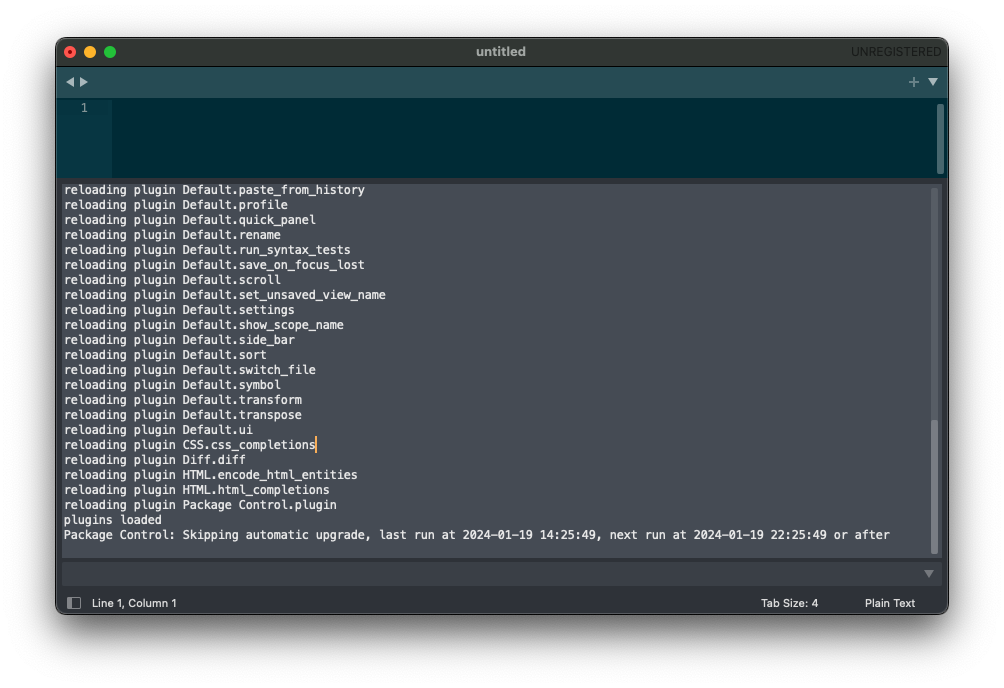
I’m trying out Sublime Text after using Atom forever and ever; even after being sunsetted years ago. The only issue was ST’s Package Control wasn’t working, which was one of Atom’s greatest features. It looks like this has plagued users for a while. The root issue is MacOS’s heavily modified version of OpenSSL, LibreSSL, isn’t compatible. The console will show something like…
Traceback (most recent call last):
  File "../Library/Application Support/Sublime Text/Installed Packages/Package Control.sublime-package/package_control/deps/oscrypto/_openssl/_libcrypto_ctypes.py", line 305, in <module>
  File "./python3.3/ctypes/__init__.py", line 366, in __getattr__
  File "./python3.3/ctypes/__init__.py", line 371, in __getitem__
AttributeError: dlsym(0x7f876fc44440, EVP_PKEY_size): symbol not found
There were a lot of incorrect solutions out there that were potentially dangerous 😬, like unlinking LibreSSL or replacing its libraries manually. It turns out the latest versions of Package Control fix it. They just haven’t been included in Sublime Text’s releases yet. It turns out the fix is rather easy.
- Download the latest release from https://github.com/wbond/package_control/releases
- Rename the package to
Package Control.sublime-package1 - (Re)place the package in
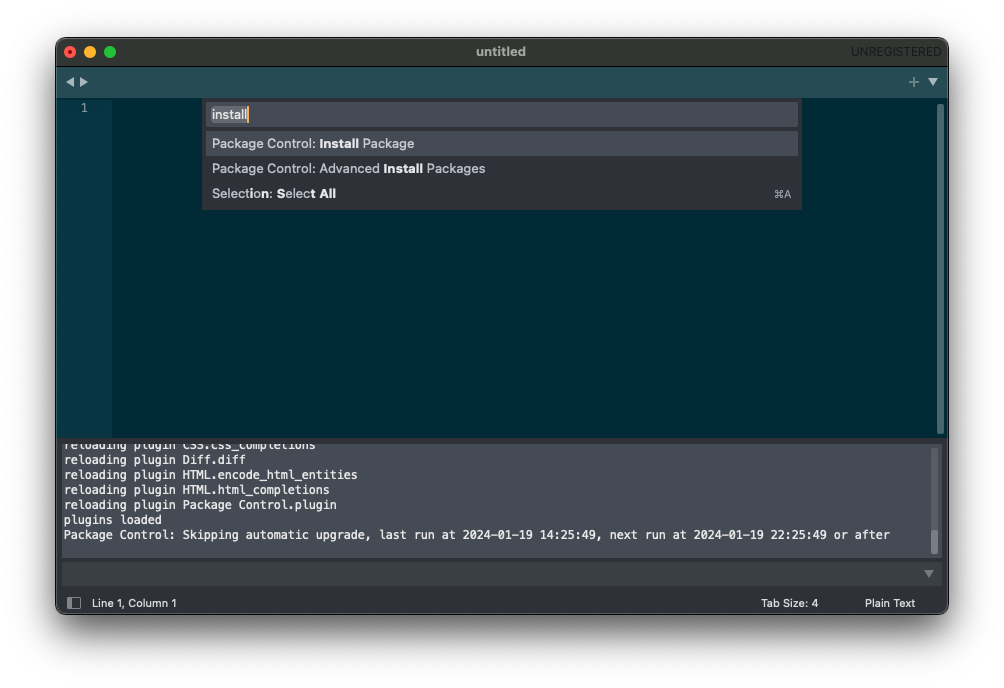
~/Library/Application Support/Sublime Text/Installed Packages - Restart Sublime Text and there shouldn’t be any more errors in the console.
- This was a huge gotcha for me. ST kept thinking it wasn’t installed therefore would download the original broken version. ↩︎
 Matt McKnight's Blog
Leave a comment